
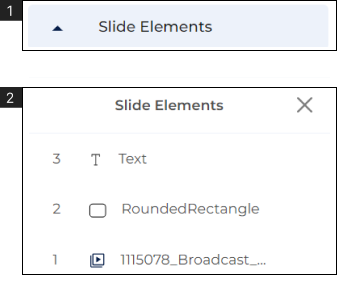
- Use the slide element to arrange the elements on the slide.
- Click to expand the ‘Slide Elements’ (#1) located in the bottom right corner of the editor.
- 1. Drag and Drop the elements in the required arrangement.
Note:
- You can also change the arrangement of elements when you right-click on them.